> For the complete documentation index, see [llms.txt](https://docs.fylr.io/llms.txt). Markdown versions of documentation pages are available by appending `.md` to page URLs; this page is available as [Markdown](https://docs.fylr.io/for-users/additional-features.md).
# Additional Features
Other topics worth mentioning
## 360° and 3D viewers
{% hint style="info" %}
From fylr **6.35.0**.
{% endhint %}
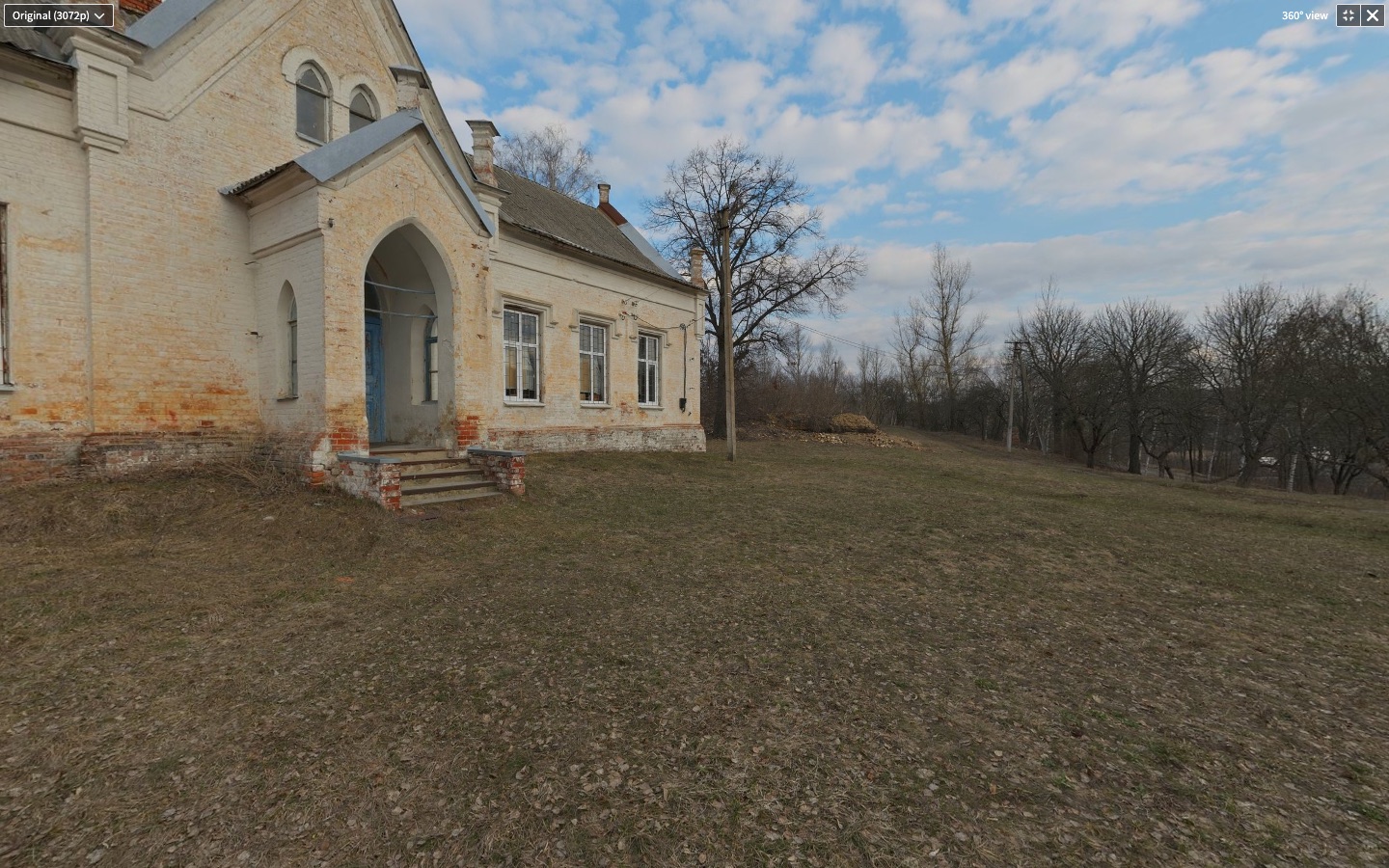
A **spherical video or panoramic image** — one the server recognised as 360° media — opens in a built-in 360° viewer instead of the flat player: drag to look around (dragging left shows more of the right, as on the map), wheel to zoom, click a video to play or pause. Videos get the usual controls bar, and a select switches between the original and the produced renditions that keep the 360° marker; switching keeps the view and, for videos, the playback position.
A panoramic image in the 360° viewer
A **3D asset** — a gaussian splatting scene or a polygon mesh the server could decode — opens in a built-in 3D viewer: drag to orbit the camera on all three axes, wheel to zoom, trackpad to pan, a grid floor to toggle, and a help overlay listing the controls. In the editor the current camera can be stored as the viewpoint for the asset's produced preview images, the way a custom video thumbnail is stored. The viewer pans with the right mouse button, so the context menu stays away there.
A 3D scan in the 3D viewer
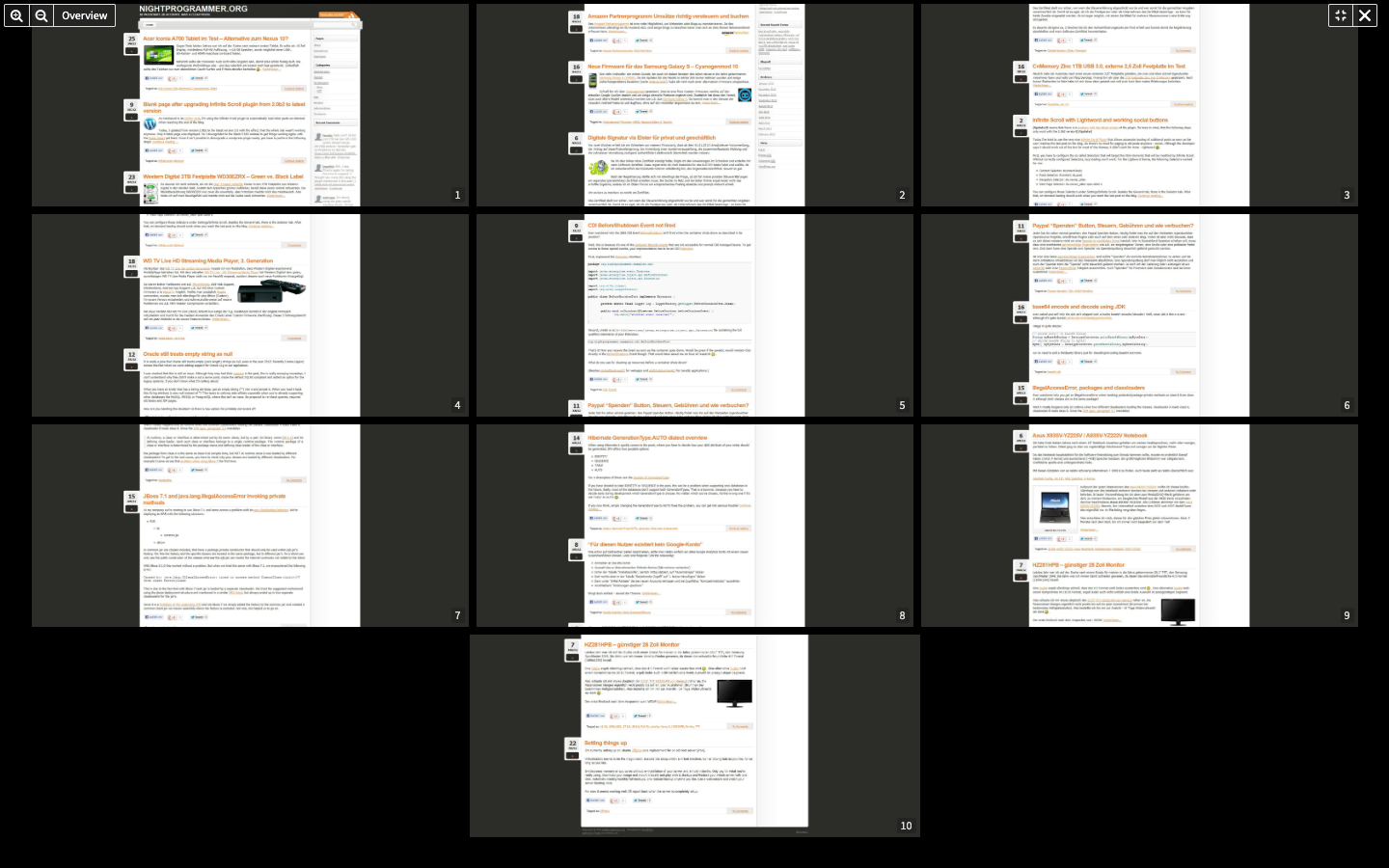
A **multi-page image** — a TIFF scan with several pages — opens in the paged viewer that office documents have, so it reads page by page.
A multi-page TIFF in the paged viewer
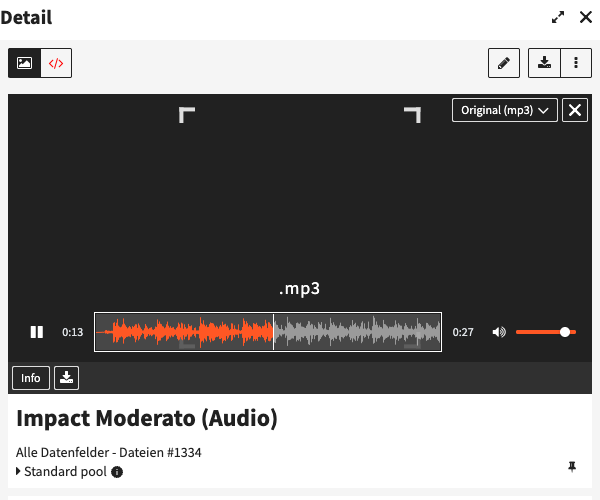
**Audio** plays with fylr's own transport bar — play/pause, elapsed and total time, mute and volume — whose seek area shows the waveform of the file.